
Search in Toby
Find anything in Toby, Instantly.
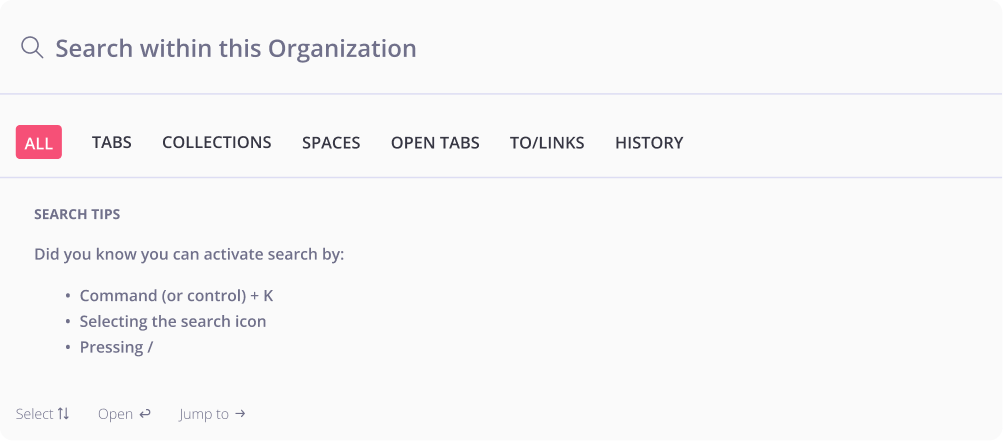
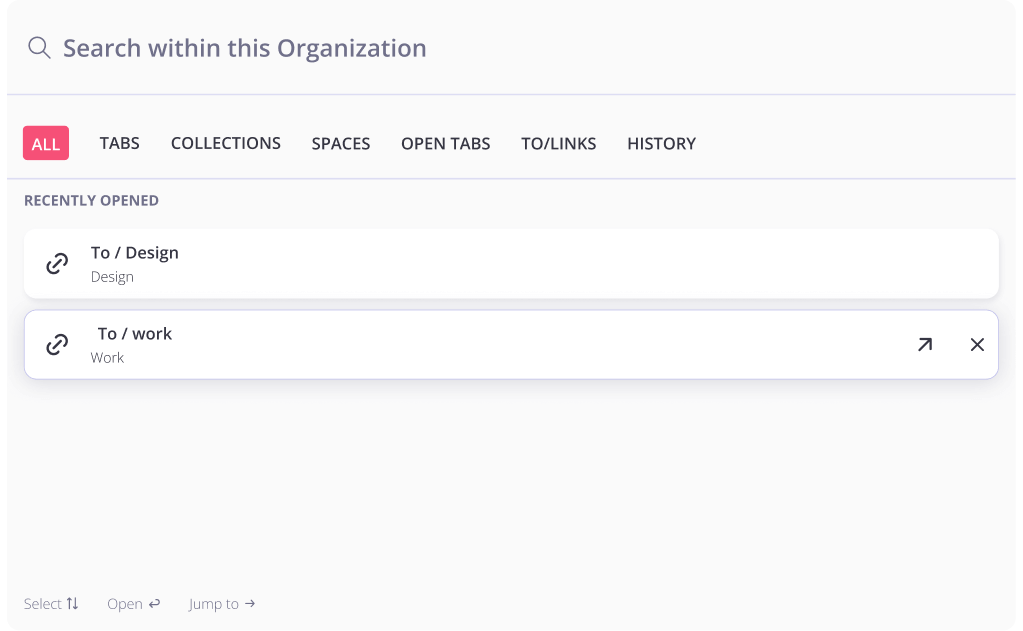
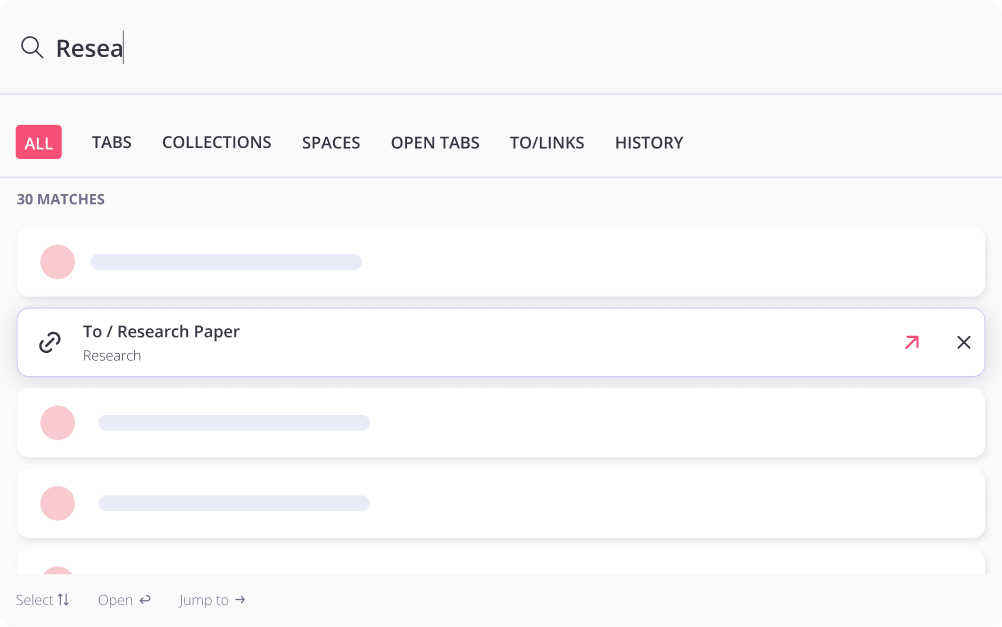
Toby makes it effortless to find exactly what you need—from tabs and collections to shared links and teammates' workspaces. Just start typing. Results appear instantly, pulled from across your entire Toby Organization.
A Second Brain for Your Browser
Search isn't just for finding lost tabs! It's for staying in flow.

Find Anything Fast —
Even the Tabs You Forgot You Opened
Toby pulls up links, titles, URLs, and shared content the moment you start typing. Need something you didn't save? On our Productivity Plan, global search even checks your tab history to help you rediscover what matters.
How it works
Frequently asked questions
Can I search for tabs I didn't save in Toby?
Yes! On our paid plans, Toby's global search includes your browsing history, so even if you forgot to save something, you can often still find it.
What types of content does Toby search?
Toby searches open tabs, saved tabs, collection titles, shared To/Links, and even tab metadata like URLs and notes.
Does search work across multiple devices?
Right now, search focuses on tab names, URLs, and metadata. Support for in-tab content search is something we're exploring.
How fast is it?
Very. Results appear as you type!