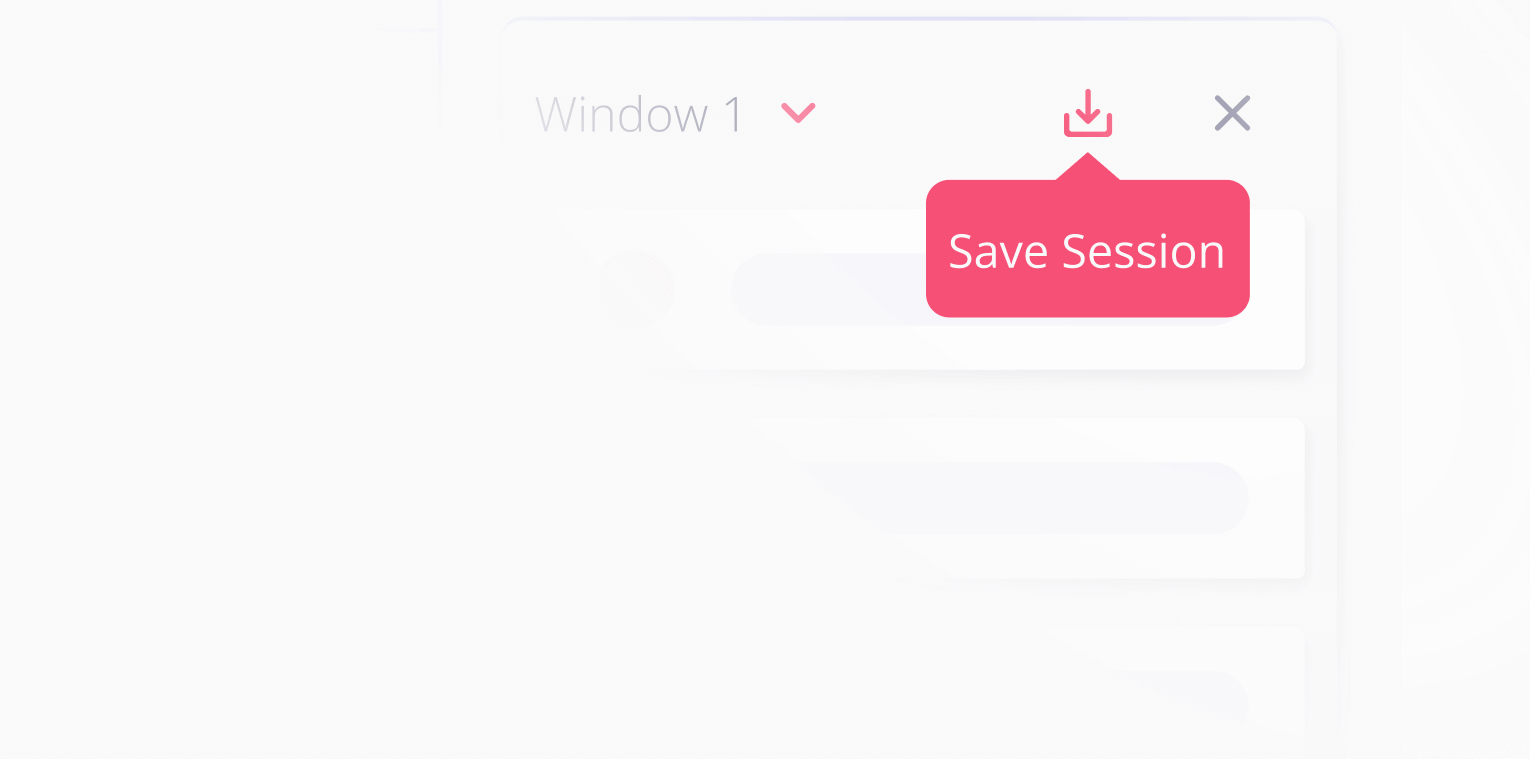
Save Sessions
Pick up right where you left off
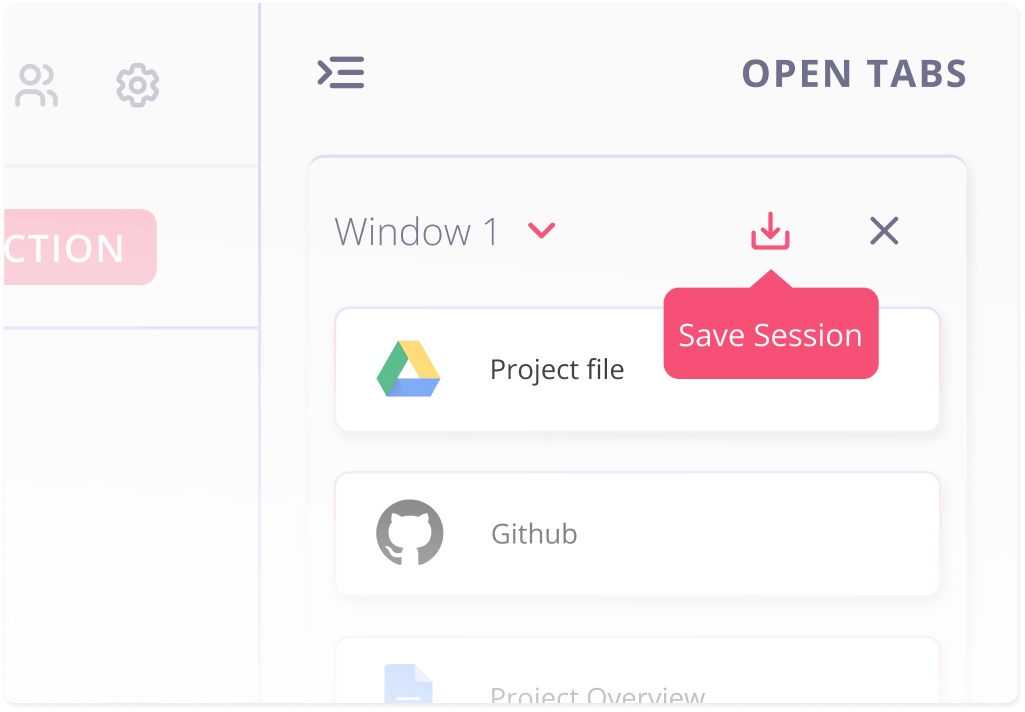
Toby Sessions let you save all your open tabs in a single click, so you can pause your work without losing your place. Whether it's a client sprint, research dive, or late-night rabbit hole, you can come back to it with one click, whenever you're ready.
Save your tabs in one click!
Toby lets you save your entire browsing session with one tap. Everything's preserved for you to return with full context and no overwhelm.
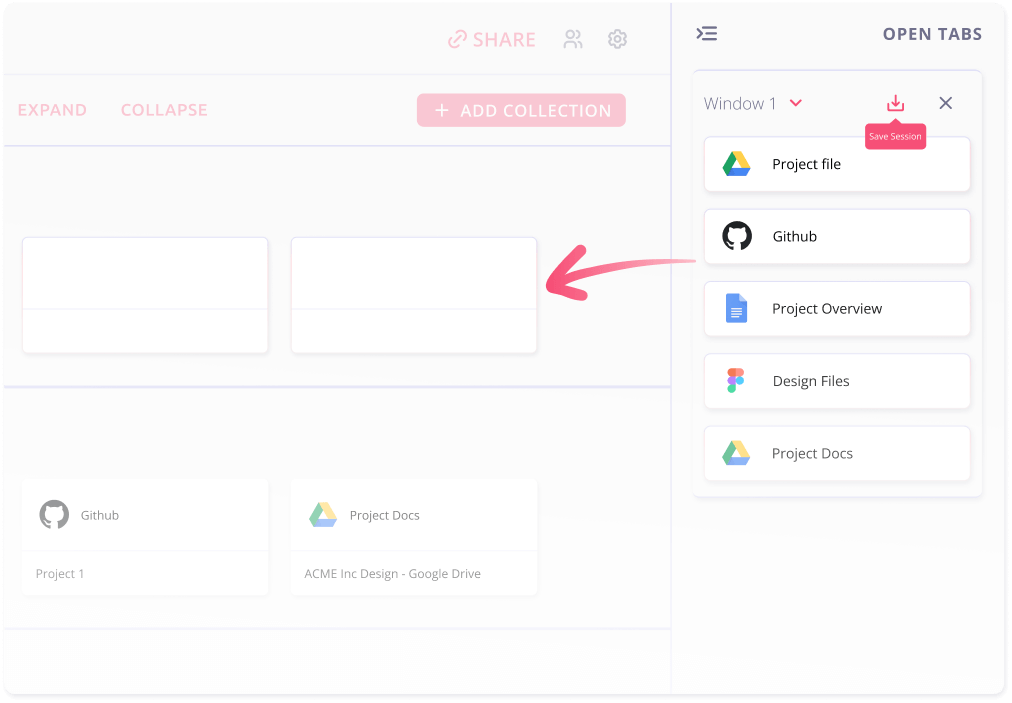
Return to Flow
Sessions are like bookmarks with memory. Open them anytime to restore your tabs exactly as you left them
How it works
Frequently asked questions
What happens when I save a session?
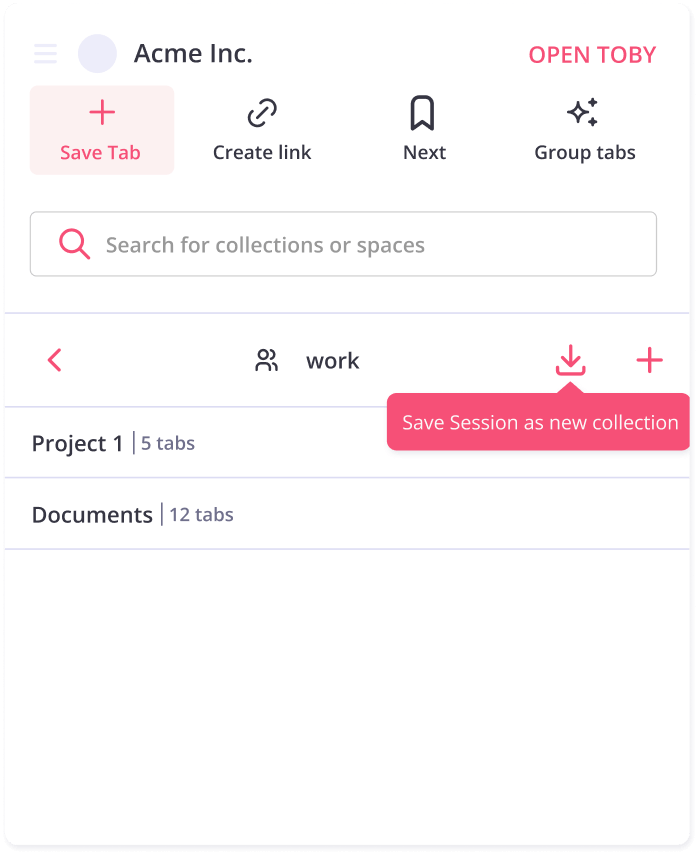
Toby stores all your current open tabs as a named collection, so you can reopen them later with one click.
Can I edit or add to a saved session?
Yes! Sessions are just like any other Toby collection. You can move, rename, or add tabs anytime.
Can I have multiple sessions saved?
Absolutely. Save as many as you like, for different projects or moods. If you're on the free plan, you'll have a limit of 60 tabs, so save wisely!
Will this work across devices?
Yes! As long as you're logged into Toby, your saved sessions follow you.